
Software CAD odontológico
Desenhe oextraordinário.
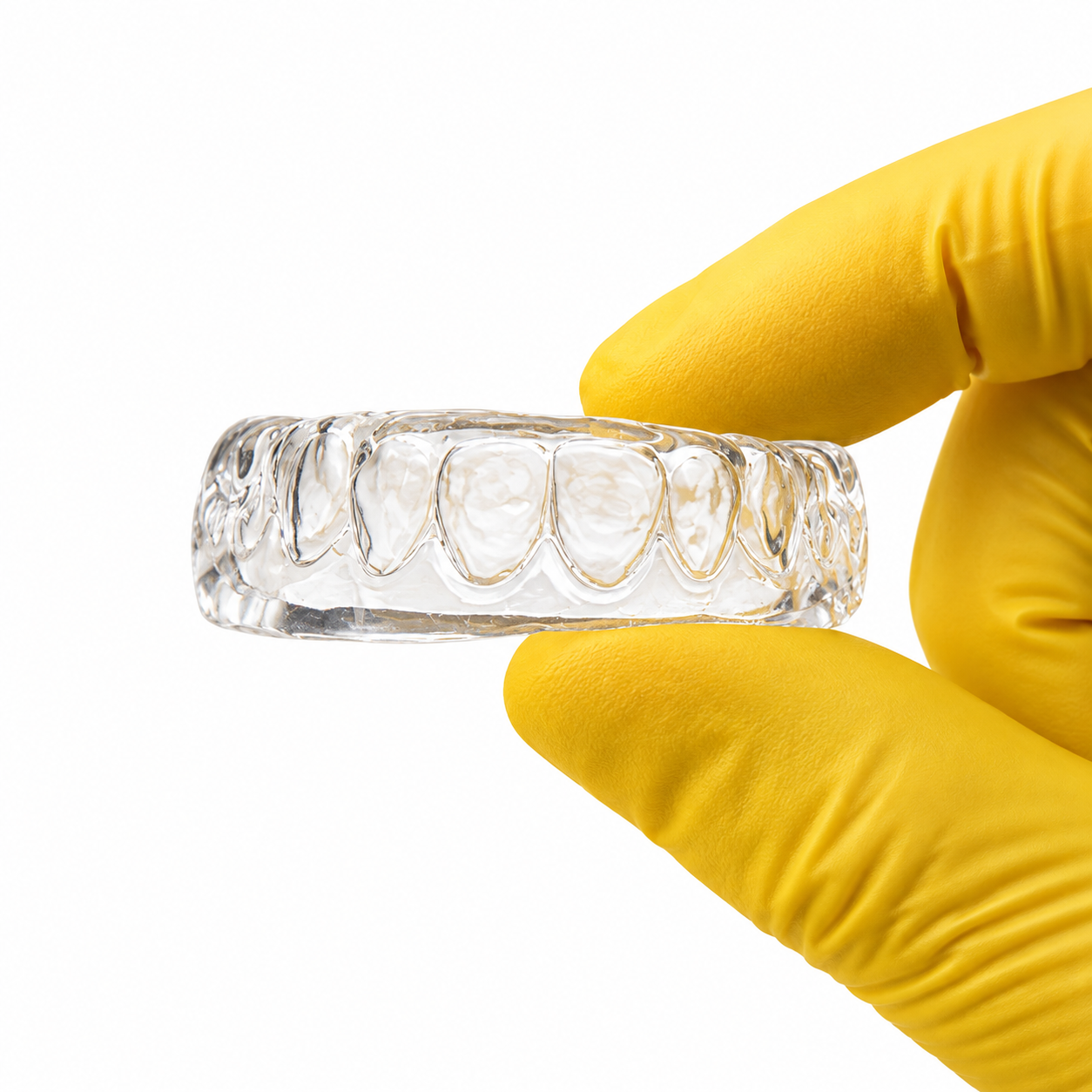
Desenhe facetas e coroas impressas em 3D com um CAD criado para ser simples, preciso e surpreendentemente intuitivo.
Scanners compatíveis
Funciona com o seu scanner intraoral.
Importe scans em STL ou PLY dos scanners que você já usa. Sem conversões, sem perda de detalhe — o Smile Editor leva seu scan direto para o fluxo de design.







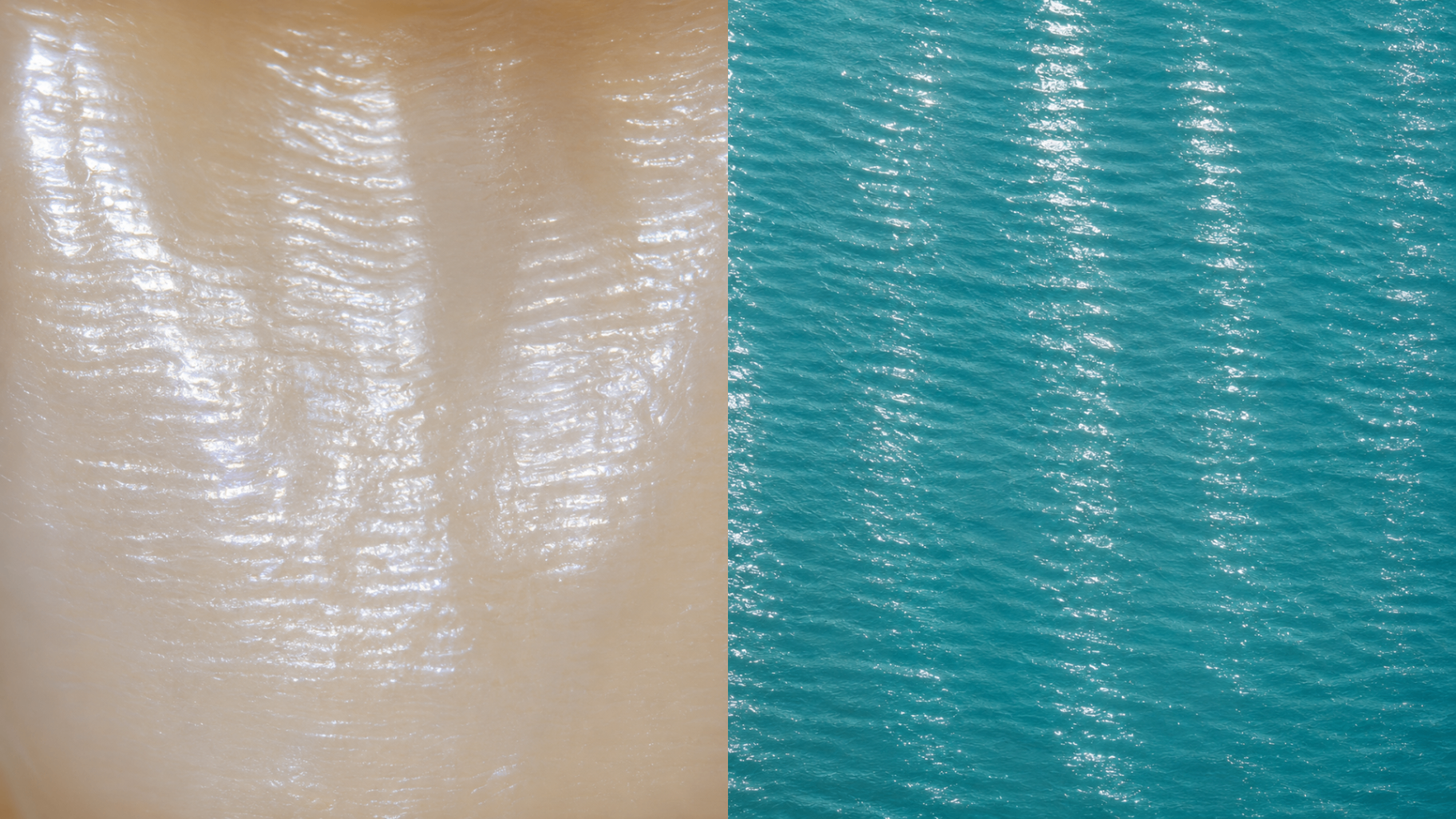
Natureza & forma
A arte imita a vida.
Smile Editor
Design dental, sem ruído.
O Smile Editor elimina menus excessivos e devolve ao profissional o que importa: controle de forma, proporção, espessura e adaptação.
Mais simples que um CAD tradicional. Mais completo que um atalho.Biblioteca dental · Escultura · Espessura · Contatos · Exportação STL
Possibilidades clínicas
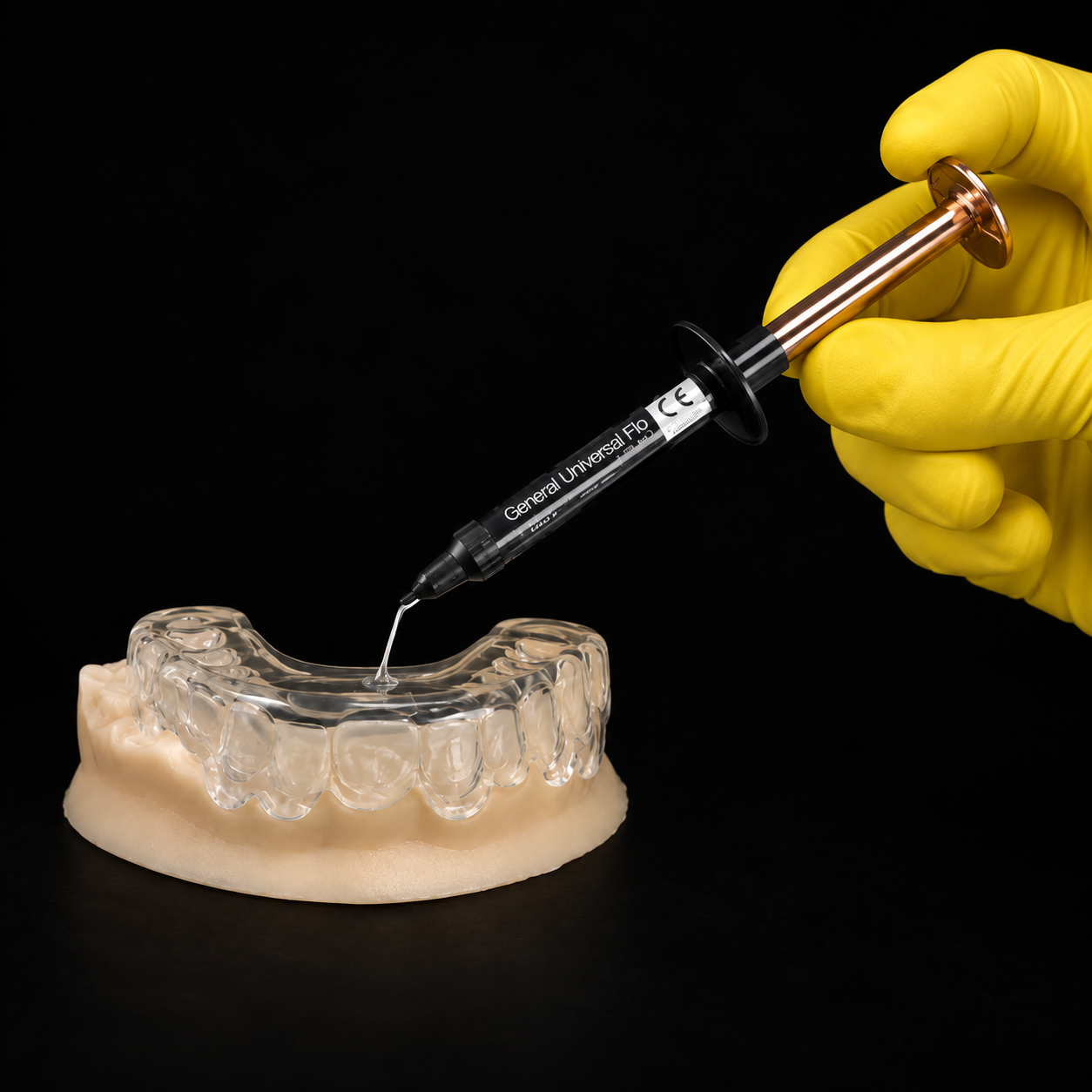
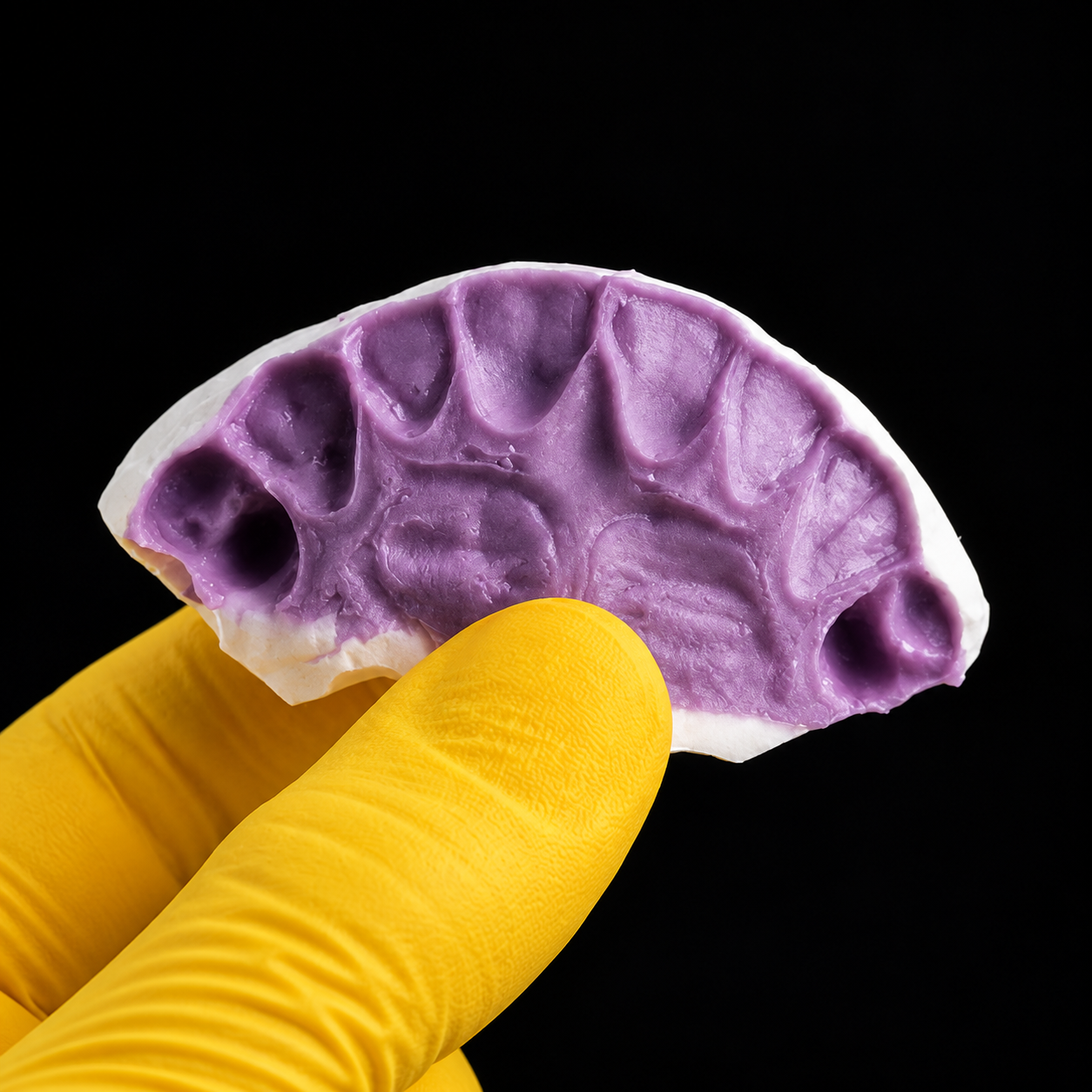
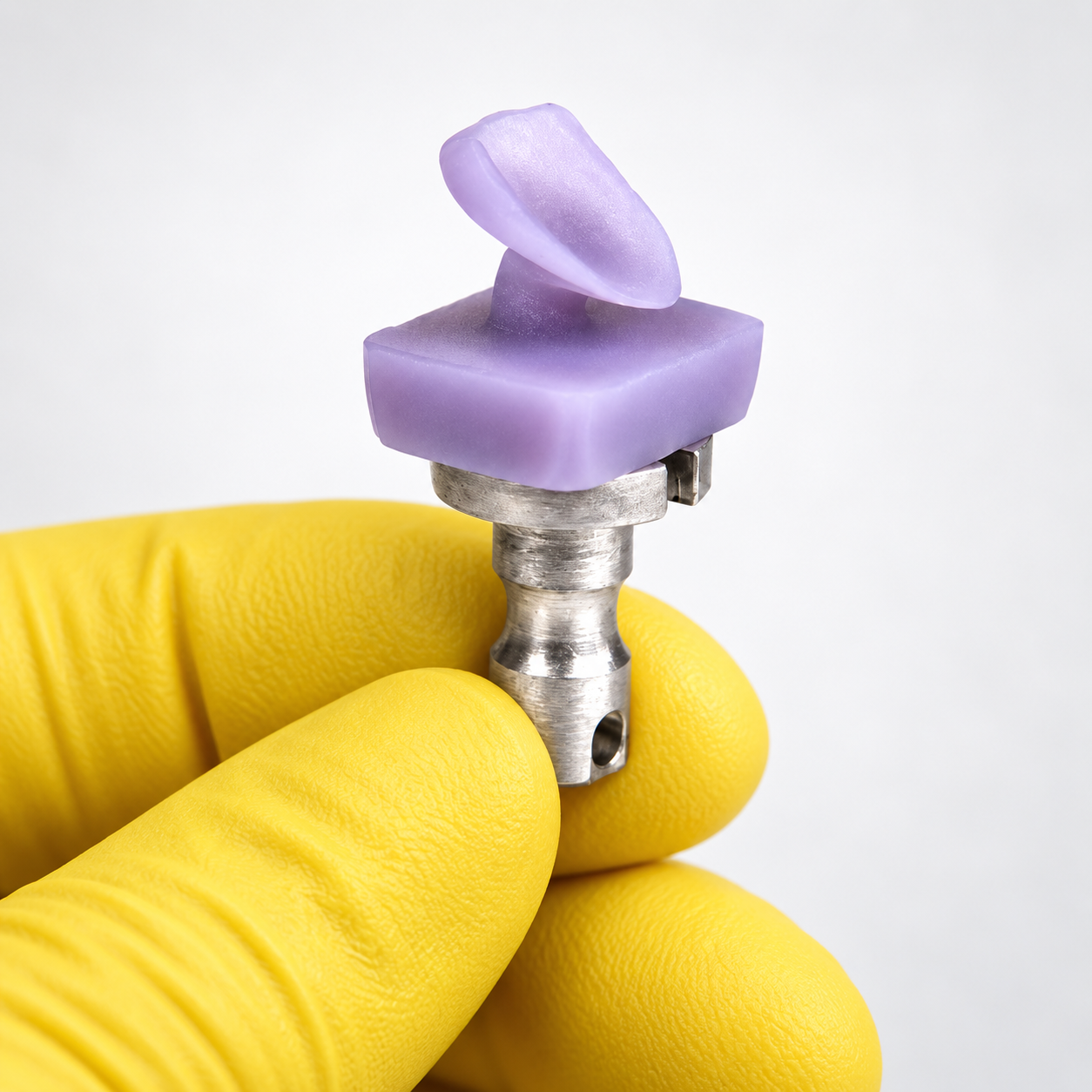
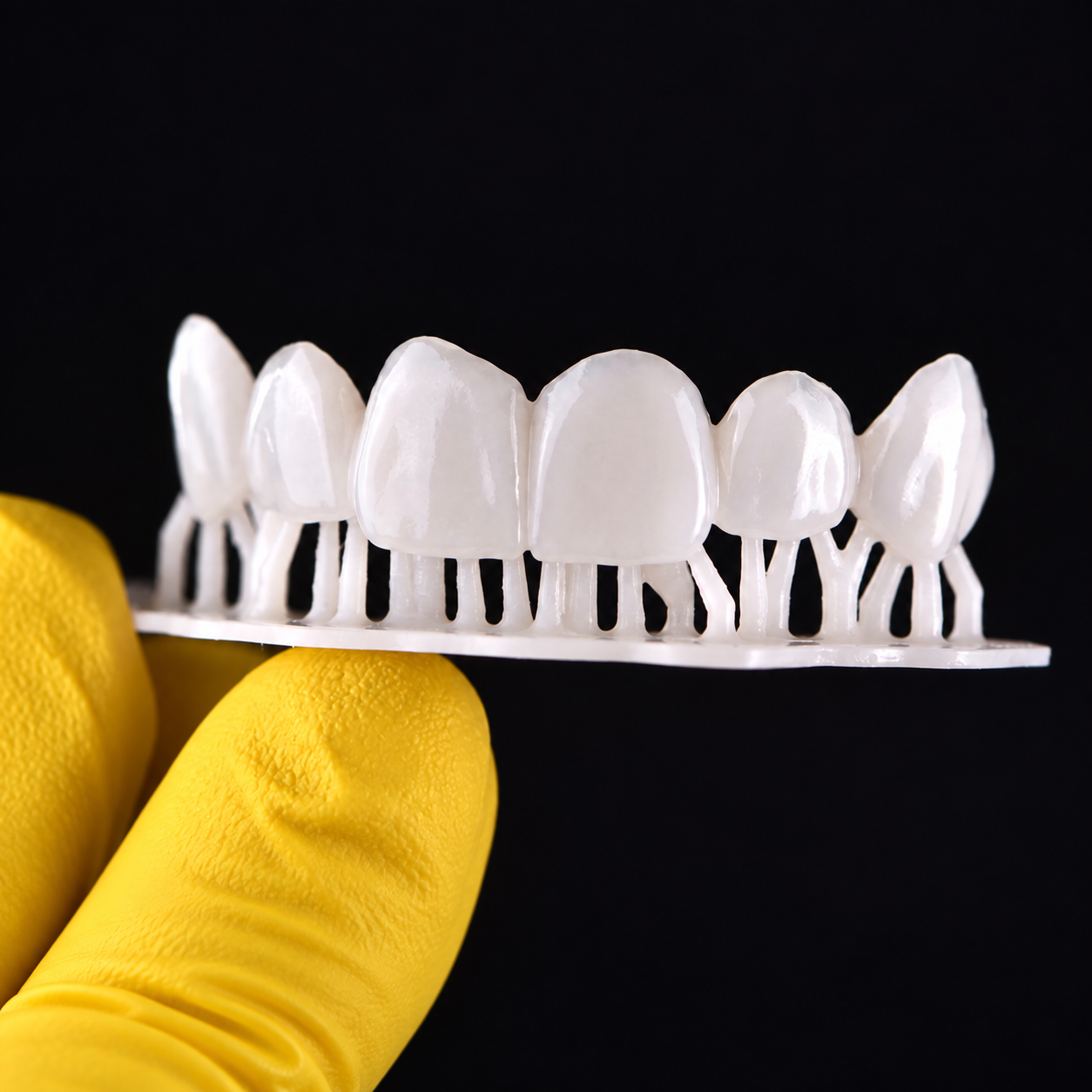
Um editor, múltiplas soluções.
Do planejamento à produção, use o Smile Editor em diferentes técnicas restauradoras e transforme cada desenho em um resultado clínico preciso.

Imaginado por
Gabriel Baumeier.
Dentista, designer e desenvolvedor do Smile Editor. Gabriel traduziu anos de prática clínica em um método direto para quem quer dominar facetas impressas em 3D sem se perder em softwares complexos.
No editor, o fluxo completo — do planejamento estético à cimentação — aparece com a mesma clareza que ele colocou no CAD: objetivo, visual e sem rodeios.
Geometria orgânica
Toda impressão digital é um mapa.
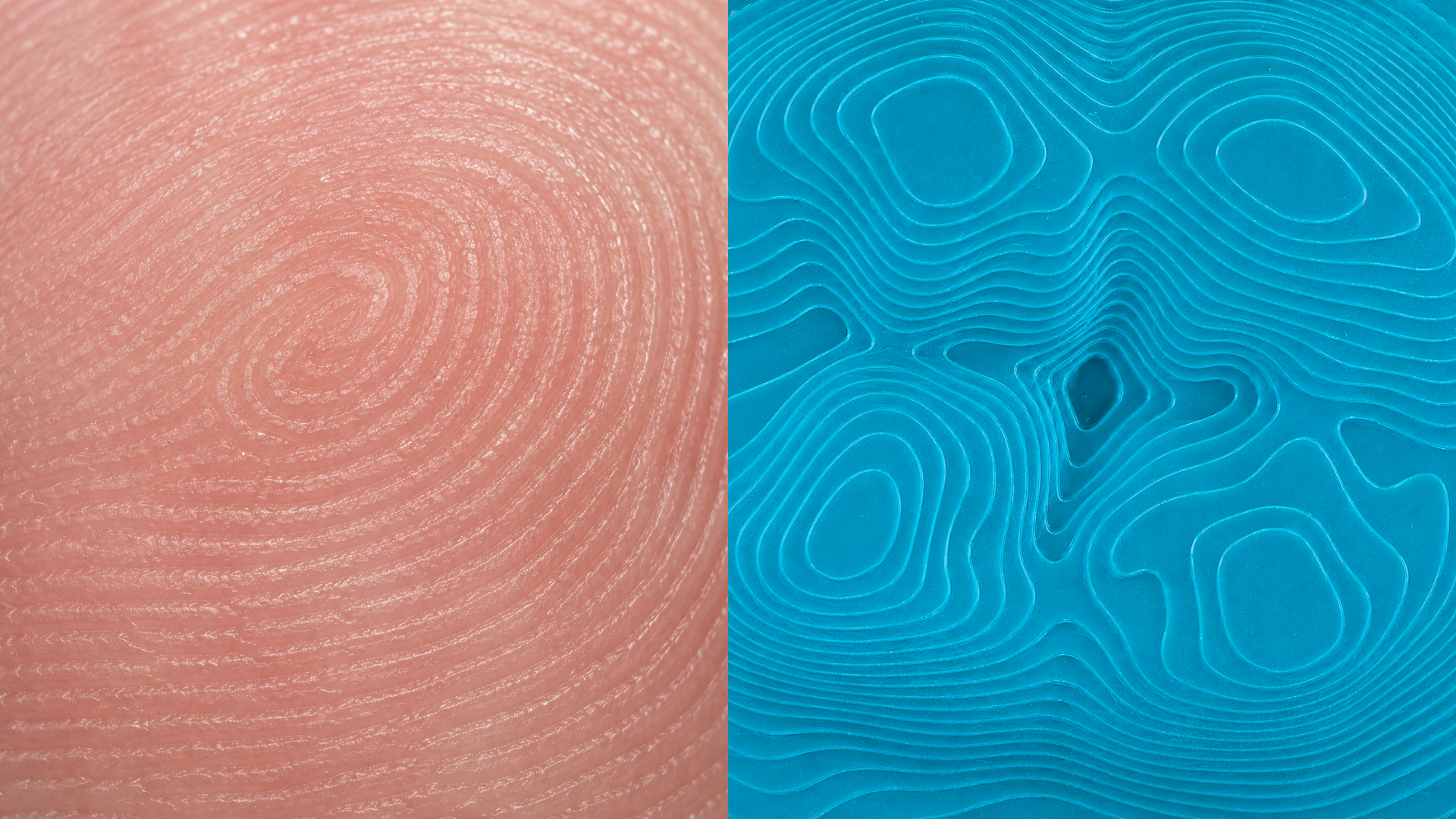
“Tecnologia suficiente para dar controle. Simplicidade suficiente para liberar criatividade.”
Edição Fundadores
Seu novo fluxo começa aqui.
Smile Editor: uma única decisão para desenhar e executar facetas e coroas impressas em 3D com independência.
Acesso completo
Smile Editor completo.
Acesso online · Atualizações incluídas durante toda a licença sem custo adicional.
Edição Fundadores
R$ 1.997
Ou em 12x de R$ 206,54
- Licença de 2 anos com preço de fundador congelado
- Exportações ilimitadas de facetas e coroas
- 40 simulações de sorrisos 2D por mês
- 10 gerações de vídeos por mês
- 50 casos em nuvem (5GB)
- 30% de desconto em eventos presenciais
- Participação direta na evolução do software
* É possível adquirir créditos adicionais caso seja necessário.
Desenhe sua primeira restauração agoraCrie sua conta e teste o editor em poucos minutos.
Dúvidas
Antes de começar.
Preciso ter experiência com CAD?
Não. O Smile Editor foi desenhado para reduzir a complexidade típica dos softwares odontológicos, com ferramentas de escultura, biblioteca de dentes e fluxo guiado de marcação.
Consigo planejar o sorriso direto no software?
Sim. Além do editor 3D com escultura e operações booleanas, há um simulador 2D de sorriso com geração de vídeo para apresentação ao paciente.
O software funciona sem internet?
A edição 3D e 2D roda no navegador. Os casos são salvos em nuvem e a geração de vídeos e simulações requer conexão.
Preciso ter impressora 3D?
Ela é necessária para executar o fluxo completo, mas você pode iniciar o aprendizado do planejamento e do design antes de adquirir seu equipamento.
Posso exportar os modelos?
Sim. As arcadas e mockups podem ser exportados em STL para impressão, com calibração de impressora e resina integrada ao fluxo.
Quais formatos de arquivo o editor aceita?
STL e PLY. Os modelos podem ser importados, editados e exportados diretamente no navegador, sem necessidade de software instalado.
Como funciona a biblioteca de dentes?
A biblioteca oferece dentes prontos com variações de forma e textura, posicionados automaticamente na região correspondente da arcada usando curvas vestibulares.
Consigo editar mais de um dente ao mesmo tempo?
Sim. É possível selecionar múltiplos dentes e aplicá-los movimentação, espelhamento e outras transformações em conjunto.
O mapa oclusal é automático?
Sim. O Smile Editor calcula o mapa oclusal em tempo real sobre as arcadas, mostrando as áreas de contato em tons terrosos para análise do ajuste.
Posso usar a foto do sorriso do paciente?
Sim. Você importa a foto, marca os pontos de contorno labial e o software alinha a fotografia com o modelo 3D para visualização integrada.
Existe ferramenta de corte seccional?
Sim. O corte seccional permite visualizar planos internos do modelo em 2D, útil para verificar espessuras e ajustes antes da impressão.
Consigo escultura livre nos dentes?
Sim. Há pincéis de escultura com ajuste de tamanho e força, incluindo reduzir, suavizar, arrastar e textura de periquimácias.
Como funciona o simulador 2D de sorriso?
O simulador segue o fluxo Foto → Design → Comparar → Vídeo. Você desenha o sorriso sobre a foto, compara o antes e depois e gera um vídeo de apresentação.
Os casos ficam salvos onde?
Todos os casos são armazenados em nuvem, acessíveis de qualquer dispositivo com a sua conta, com até 50 casos (5GB) no plano beta.
Posso usar no tablet?
Sim. A interface se adapta a tablets com suporte a gestos como pinch-to-zoom, painéis recolhíveis e layout otimizado para toque.
Preciso configurar a impressora antes de usar?
Não é obrigatório, mas o Smile Editor traz uma aba de calibração de impressora e resina para garantir precisão dimensional antes de imprimir.